What Features Should You Look for in Lead Capture Services?
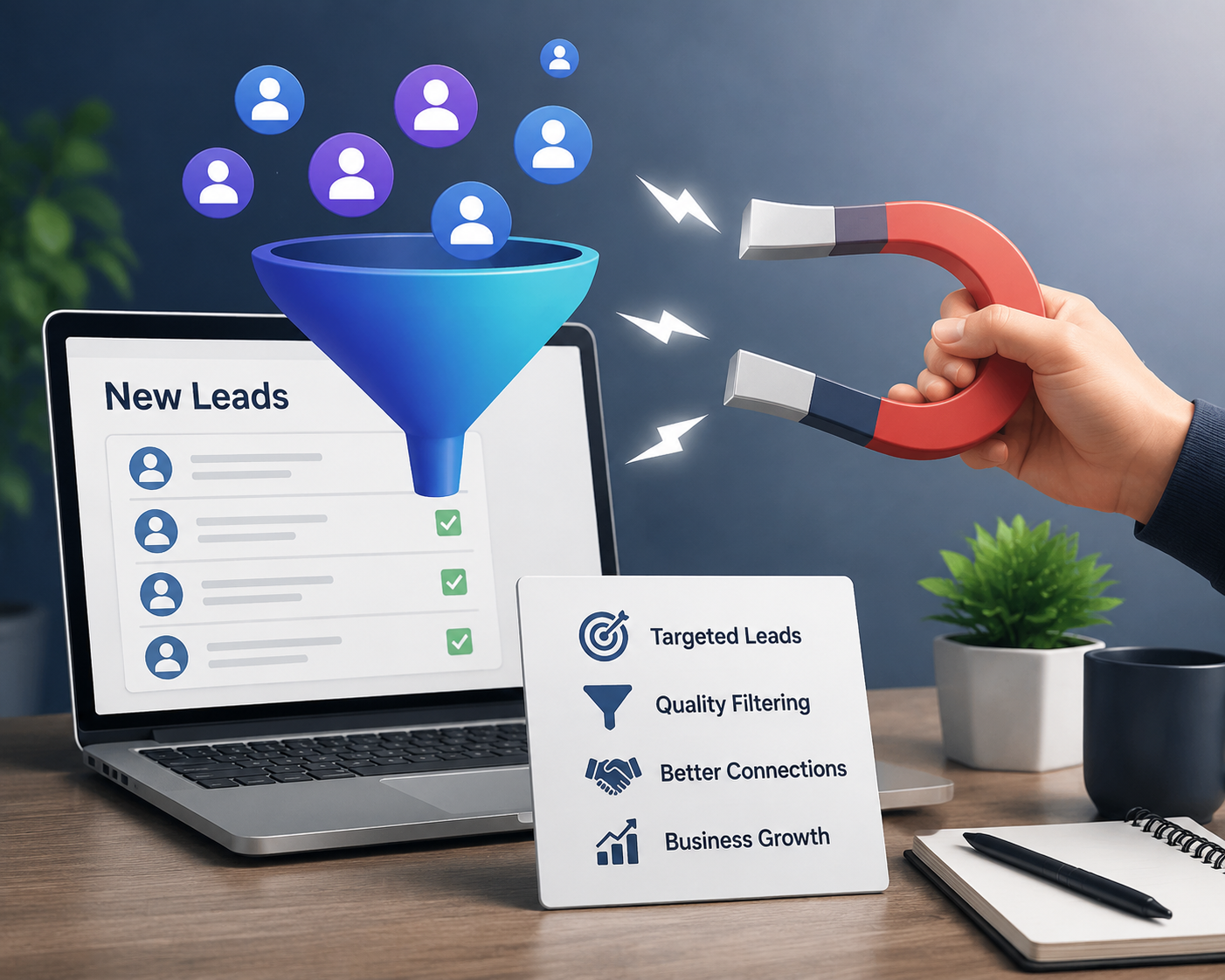
Capturing contact information at a conference is easy. Capturing enough context to identify serious prospects, personalize follow-up, and measure event performance is much harder.
A basic scanning tool may give your team a name, company, job title, and email address. However, that information alone rarely explains what the attendee needs, which product caught their attention, what problem they are trying to solve, or when they may be ready to make a decision.
That is why organizations should evaluate lead capture services based on the complete lead journey rather than scanning speed alone. The right solution should help exhibitors collect accurate information, preserve conversation details, qualify prospects, distribute leads, support timely follow-up, and understand the business value generated by an event.
Here are the most important features to examine before selecting a solution.
1. Fast and Flexible Contact Capture
The first requirement is a quick, dependable way to collect attendee information without interrupting the conversation. A useful platform should support several capture methods because event environments are rarely consistent. Attendees may have printed badges, digital credentials, QR codes, mobile wallet passes, or business cards.Multiple Capture Options
Look for support for methods such as:- Badge and QR code scanning
- Mobile wallet credential scanning
- Digital business card capture
- Manual contact entry
- Business card image recognition
- Pre-registration record matching
2. Accurate Attendee Data
A large contact list has limited value when it contains incomplete, duplicated, or incorrect information. Strong lead capture technology should validate and organize attendee data at the moment of capture. When possible, it should match the scanned credential with an existing registration record rather than relying entirely on manually entered information. Important data-quality capabilities include:- Required-field validation
- Duplicate detection
- Standardized company and job-title fields
- Email-format validation
- Registration record matching
- Clear source attribution
- Editable contact records
3. Custom Qualification Questions
Not every person who visits a booth should receive the same priority or follow-up message. Effective lead capture services should allow event organizers, exhibitors, or sales teams to create custom qualification questions before the event. These questions help representatives collect structured information while the conversation is still fresh. Useful questions may cover:- Primary business challenge
- Product or service interest
- Buying timeframe
- Available budget range
- Decision-making authority
- Current solution or provider
- Preferred next step
- Follow-up urgency
4. Notes and Conversation Context
A scanned badge tells you who attended. It does not tell you what was discussed. This is one of the biggest differences between basic lead capture apps and more complete event intelligence solutions. Representatives should be able to record notes, select topics of interest, identify objections, and document agreed next steps immediately after each conversation. Some platforms can preserve additional context through conversation transcripts, summaries, or structured interaction records. For example, counterTEN describes a conference workflow that can create a lead from a badge, QR code, or business card scan while preserving transcripts, AI-generated summaries, and conversation details. When reviewing this capability, ask:- Can representatives type or dictate notes?
- Are notes attached to the correct attendee automatically?
- Can important statements or action items be highlighted?
- Can the system generate a usable conversation summary?
- Can attendees be tagged by product interest or intent?
- Can sales teams access the notes after the event?
5. Lead Scoring and Prioritization
Event teams often return with hundreds or thousands of records. Without prioritization, high-intent prospects can become buried in a spreadsheet while the sales team works through the list in no meaningful order. A lead-scoring feature can rank contacts using factors such as:- Qualification responses
- Job role or seniority
- Company size
- Demonstrated product interest
- Buying timeframe
- Session attendance
- Booth engagement
- Requested follow-up action
- Conversation sentiment or intent
6. Immediate Lead Routing
Capturing a qualified opportunity is only useful when it reaches the right person quickly. Look for automated routing that can send leads to representatives based on territory, account ownership, product category, customer segment, or qualification score. For example, a high-priority enterprise prospect could be assigned directly to a senior account executive, while a contact requesting educational material could enter a marketing nurture sequence. Useful routing features include:- Territory-based assignment
- Account-owner matching
- Round-robin distribution
- Priority alerts
- Product-specific routing
- Automated task creation
- Manager visibility
7. CRM and Marketing Platform Integration
Manual exporting and importing slows down follow-up and creates opportunities for data loss. Before selecting a provider, confirm whether the platform connects with your customer relationship management system, email platform, marketing automation software, or sales engagement tools. A useful integration should transfer more than a name and email address. It should be able to include:- Qualification responses
- Lead score
- Representative notes
- Conversation summary
- Event and booth source
- Topics of interest
- Consent status
- Recommended follow-up action
- Date and time of interaction
8. Automated and Personalized Follow-Up
The quality of follow-up often matters more than the size of the captured list. The platform should help teams respond according to the attendee’s conversation, interest, and requested next step. This may include preparing an email draft, triggering a nurture sequence, scheduling a task, or notifying the assigned representative. Useful follow-up features may include:- Personalized email templates
- Follow-up recommendations
- Calendar-booking links
- Sales task creation
- Content recommendations
- Sequence enrollment
- Priority notifications
- Response-status tracking
9. Offline Functionality and Reliable Synchronization
Conference internet connections can be slow, overcrowded, or unavailable in certain parts of a venue. A dependable platform should allow representatives to continue scanning contacts and recording notes when connectivity is limited. The information should then synchronize automatically when the device reconnects. Before committing to a system, ask the provider:- Which features remain available offline?
- How much data can be stored locally?
- When does synchronization occur?
- How are conflicts or duplicate records resolved?
- Can users confirm that every lead has uploaded successfully?
10. Privacy, Consent, and Permission Management
Event lead capture involves personal and professional information, so privacy controls should be part of the buying decision from the beginning. The platform should make it clear what information is collected, why it is collected, who receives it, and how consent is recorded. It should also support the event organizer’s and exhibitor’s responsibilities under applicable privacy and marketing rules. Review capabilities such as:- Consent capture
- Permission timestamps
- Custom privacy notices
- Data-access controls
- User-role permissions
- Data-retention settings
- Record deletion workflows
- Secure transfer and storage
- Audit history
11. Sponsor and Exhibitor Management
For event organizers, the solution must work across many exhibitors rather than serving only one internal team. A sponsor-management dashboard should make it easy to provision accounts, control permissions, distribute access, monitor usage, and create reports for each participating organization. Look for features such as:- Individual exhibitor workspaces
- Configurable lead forms
- User and device management
- Sponsor-level analytics
- Package-based feature access
- Lead-export controls
- Training and onboarding tools
- Event-wide performance reporting
12. Analytics and Measurable Event ROI
A list of scanned contacts is not a complete performance report. Strong analytics should help organizers and exhibitors understand what happened before, during, and after the event. Reports should connect booth activity with lead quality, follow-up actions, meetings, pipeline, and business outcomes where possible. Useful metrics include:- Total contacts captured
- Unique booth visitors
- Qualified-lead volume
- Qualification rate
- Leads by representative
- Leads by product interest
- Average conversation length
- Meetings requested
- Follow-up completion rate
- Lead-to-opportunity conversion
- Pipeline influenced
- Revenue attributed or influenced
How to Compare Lead Capture Providers
A feature list is useful, but a realistic demonstration is more revealing. Ask each provider to show how the platform handles a complete interaction from the attendee’s arrival through sales follow-up. During the demonstration, evaluate these steps:- An attendee presents a badge or mobile credential.
- A representative scans the contact.
- The representative records interests and qualification details.
- Notes or conversation context are saved.
- The system scores and assigns the lead.
- Information is synchronized with the CRM.
- A personalized follow-up action is created.
- The interaction appears in event reporting.
Questions to Ask Before Signing a Contract
Before choosing lead capture services, ask the provider for clear answers to the following questions:- Which badge, QR, wallet, and business card formats are supported?
- Does the system work offline?
- Can qualification forms be customized for each exhibitor?
- What information is transferred to our CRM?
- How are duplicate records handled?
- Can conversation context and notes be exported?
- How are leads scored and routed?
- Which privacy and consent controls are included?
- What onboarding and live-event support are available?
- Can we access our data after the event?
- How is pricing calculated?
- Are integrations, support, or analytics charged separately?